

Edit Like a Doc
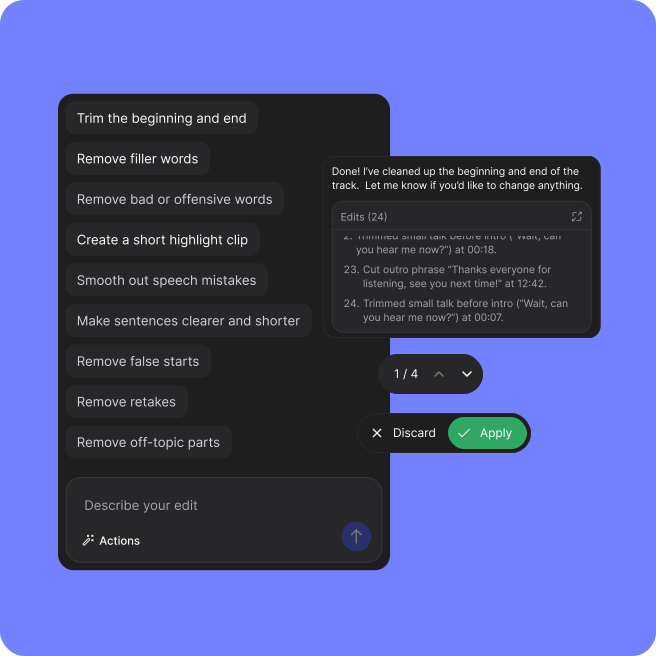
Edit your episode like a text document. Cut filler words, tighten sentences, and shape your story. Timeline scrubbing? Optional.

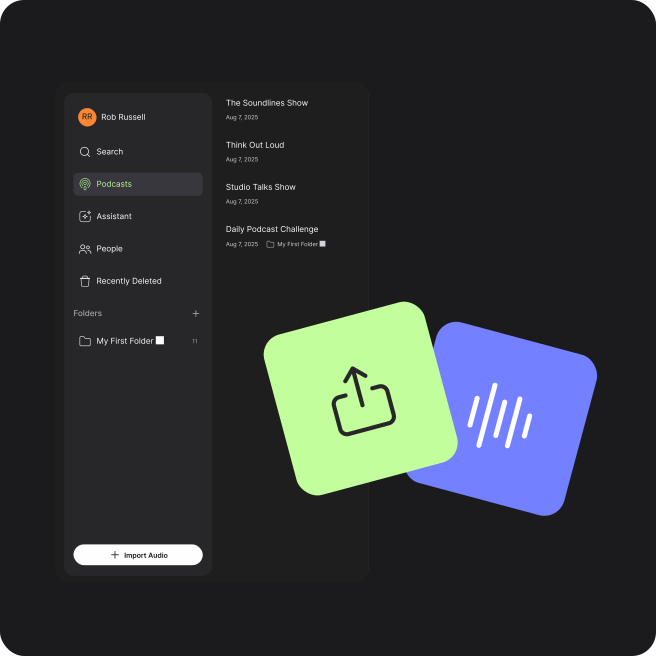
Edit, customise, and manage your podcast workflow in one place. Test the beta experience, explore the latest features, and help us improve the app with your feedback.
Edit your episode like a text document. Cut filler words, tighten sentences, and shape your story. Timeline scrubbing? Optional.
Smart suggestions for cuts, cleanups, and tightening. Raw recording to polished episode? Surprisingly fast.
Remove ums, fix crosstalk, and clean up background noise while keeping conversations sounding natural and seamless.
Balance multiple hosts and guests, reduce room noise, and dial in levels so every voice sounds clear and consistent.
Create highlight clips, short-form teasers, and alternative cuts from a single recording. Perfect for socials, trailers, and bonus content.
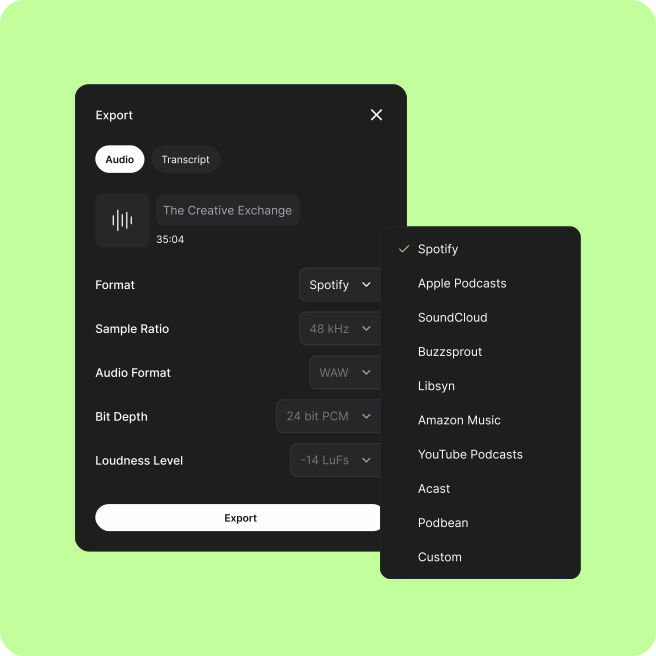
Spotify, Apple Podcasts, YouTube, and more. Formats, loudness, metadata. One click. You're published.
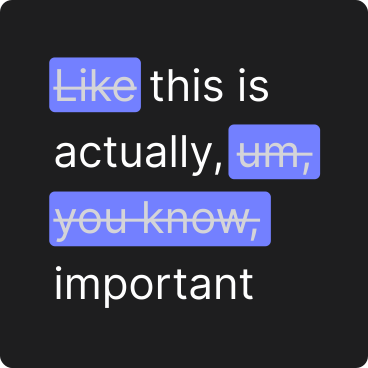
Ums, ahs, and awkward pauses? Gone. One click and your conversation sounds like you nailed it first take.
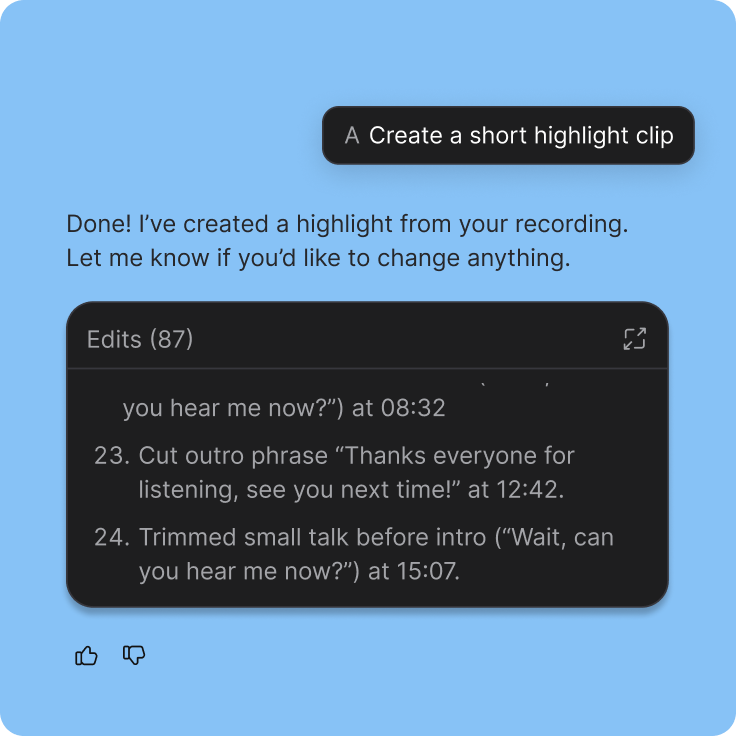
Pull out the best moments and turn them into share-ready clips. Your audience gets the highlights, you get the reach.
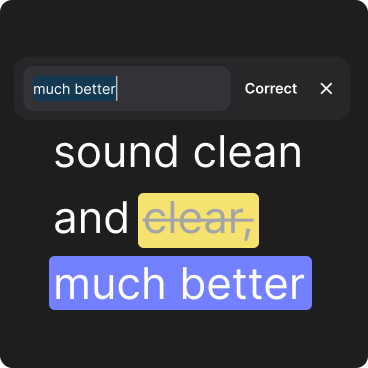
Fix mistakes by editing text. We regenerate the audio and fill the gap naturally, so no one will ever know.
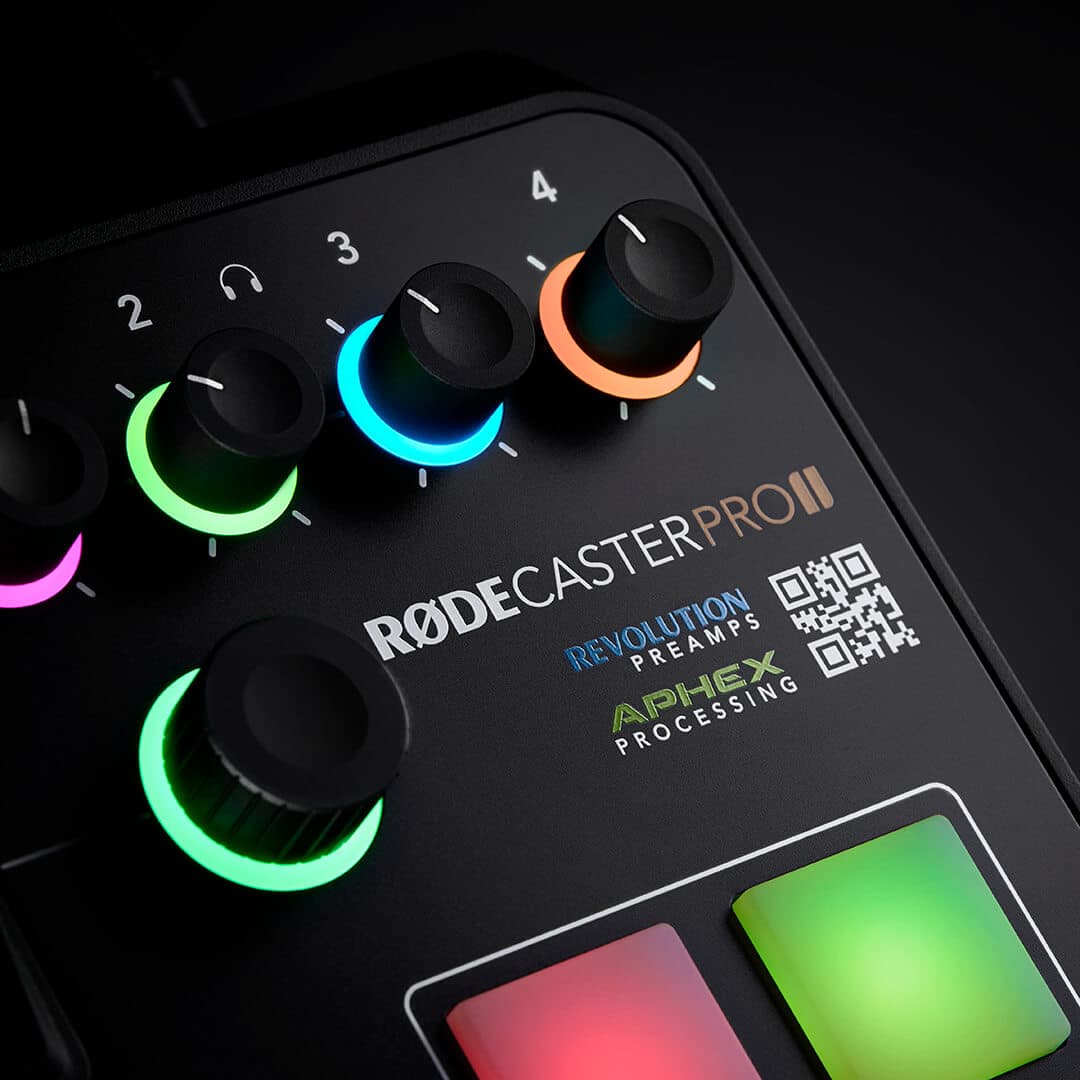
Built for RØDECaster workflows
Import recordings from RØDECaster Pro II and Duo seamlessly, including direct-to-cloud via RØDE Cloud. Everything stays synced across your Mac and PC, so you can move straight from recording to editing on any device.
Be the first to experience RØDECaster Studio. Get early access, exclusive benefits, and help shape the future of podcast creation.


